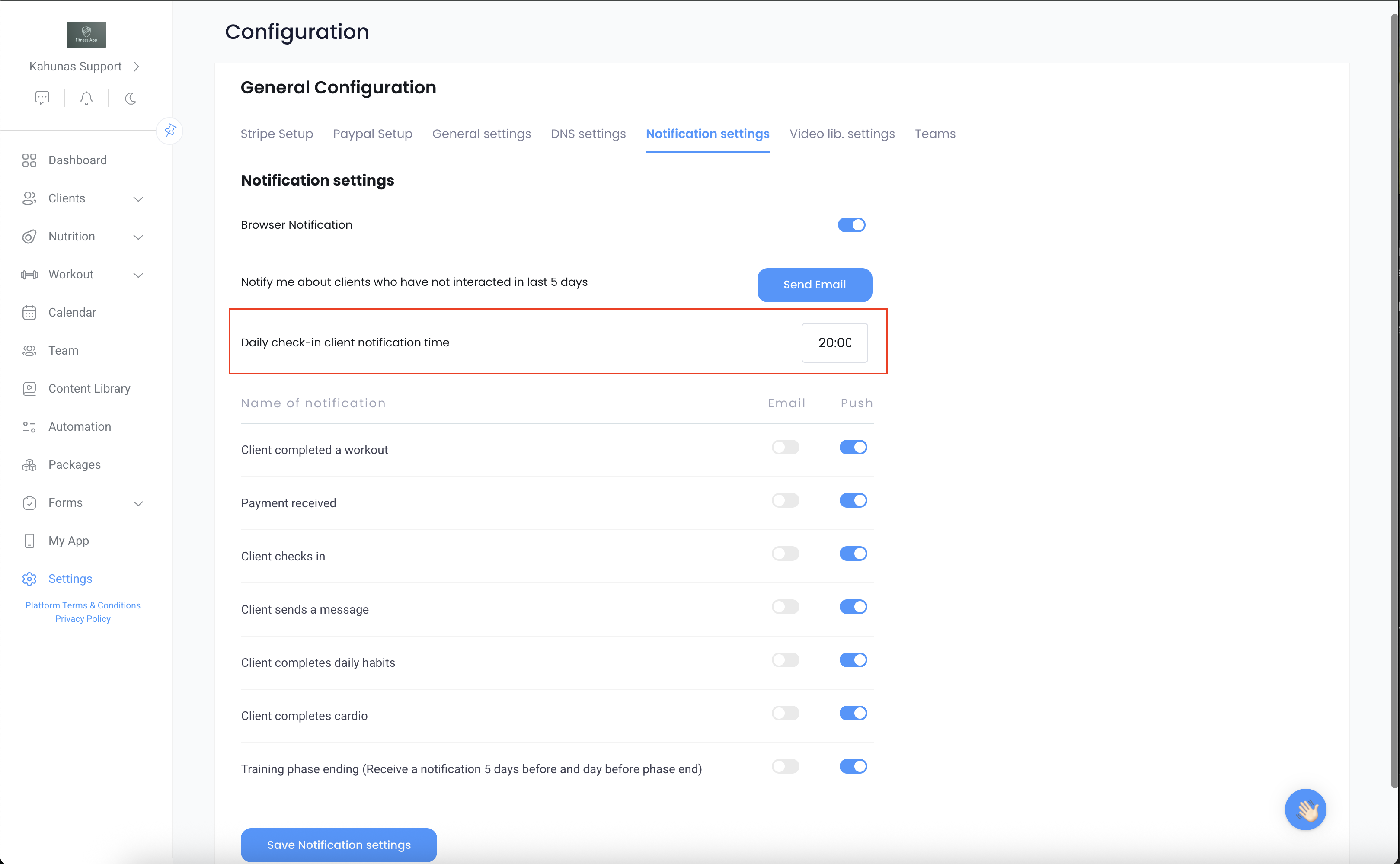
Your clients will receive a daily notification reminder at the time you’ve set for their daily habits submission.😊 For example, if you set the reminder for 8 PM, then when it becomes 8 PM in your client’s local time zone, they’ll receive a notification prompting them to complete their daily habit/check-in.
If you’d like to adjust when they receive this reminder, you can do so by going to Settings in the sidebar, then selecting Notification Settings, and updating the “Daily check-in client notification time”.
Once you save the changes, the new time will apply going forward 👍