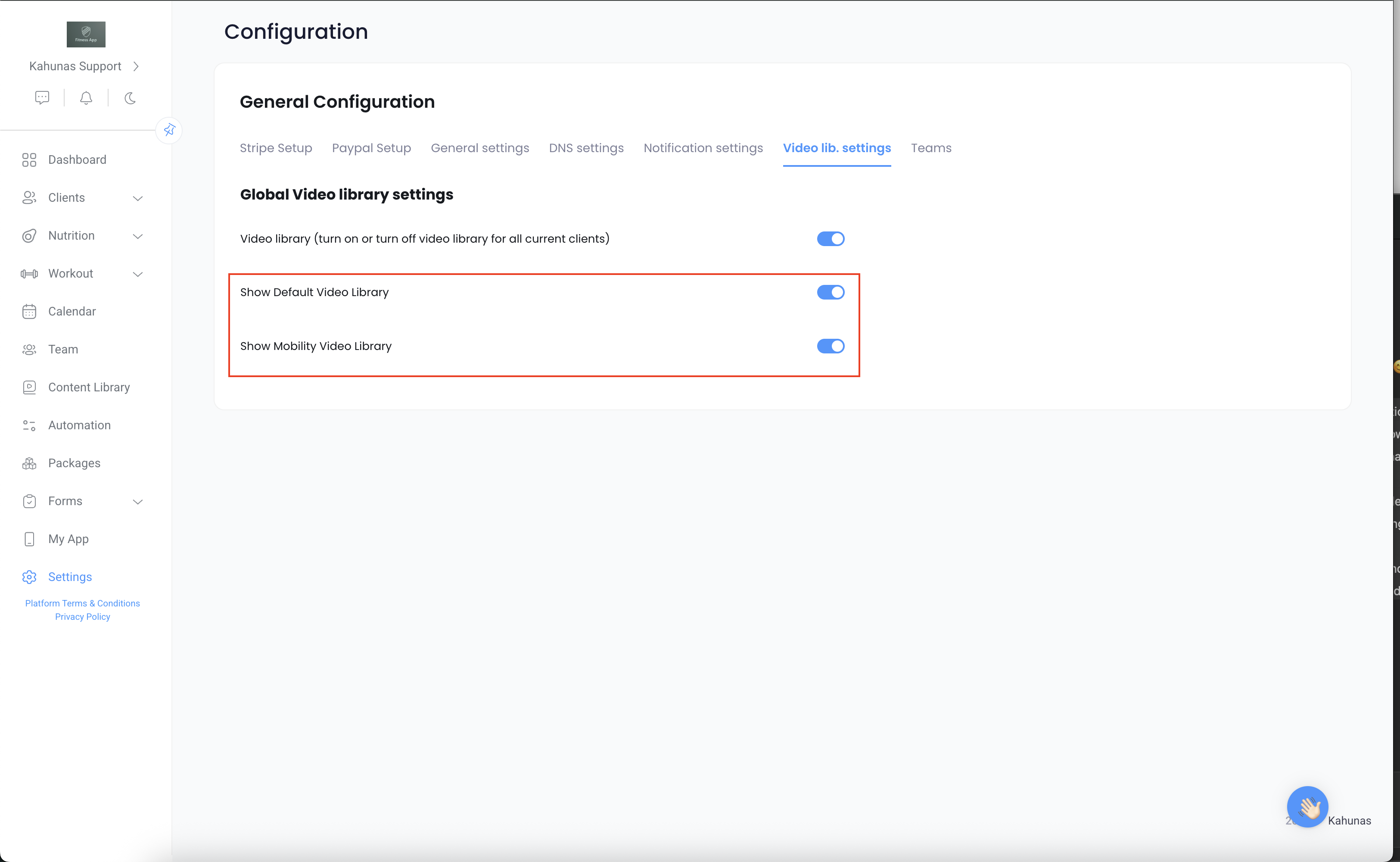
On the left-hand menu, scroll down to the settings.
Then hit the Video Lib. Settings tab
In there, you can enable/disable your library for all clients.
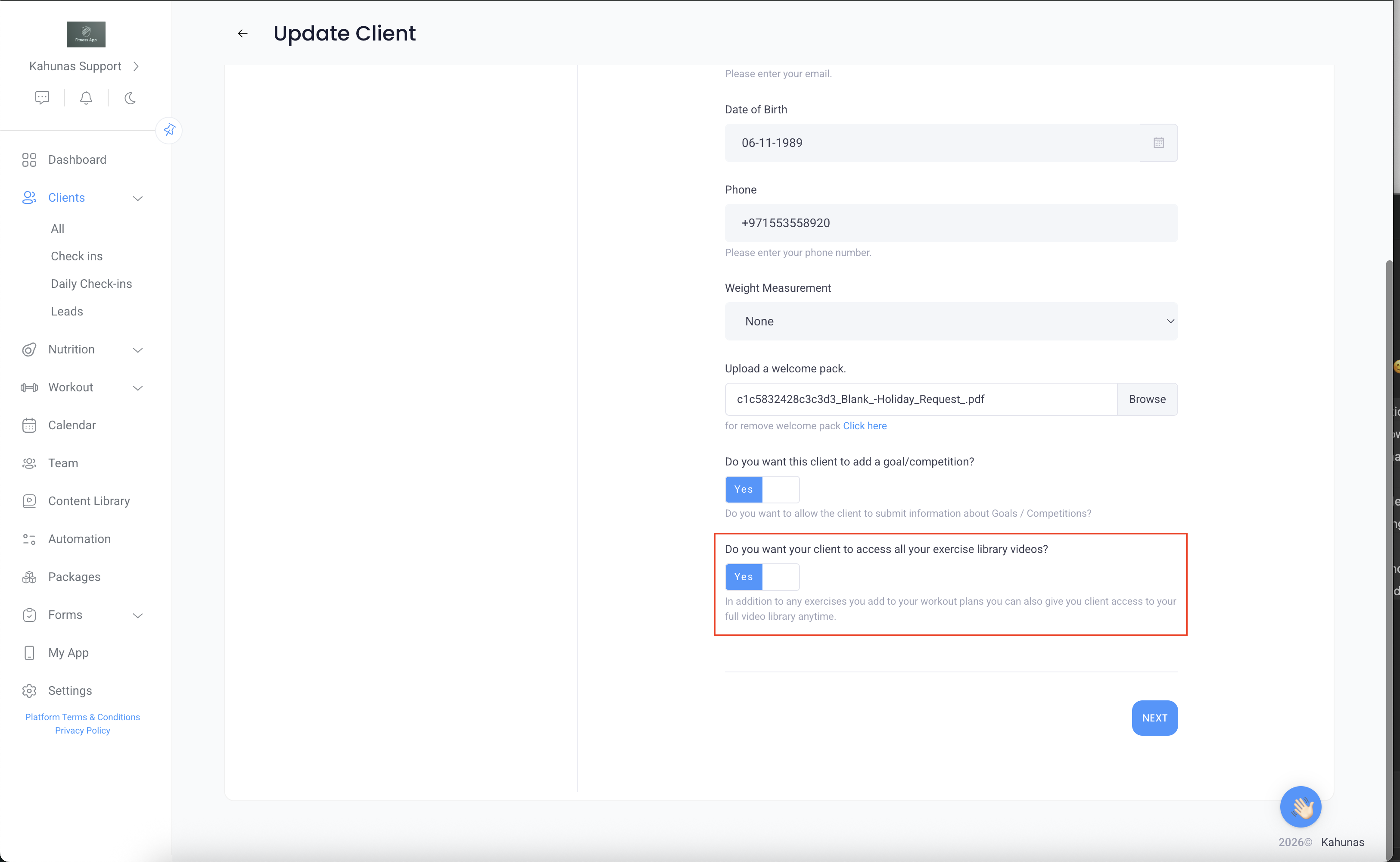
You can do so on an individual basis as well by going to your client profile, then clicking on the blue edit button. You will be able to turn on/off the exercise library.