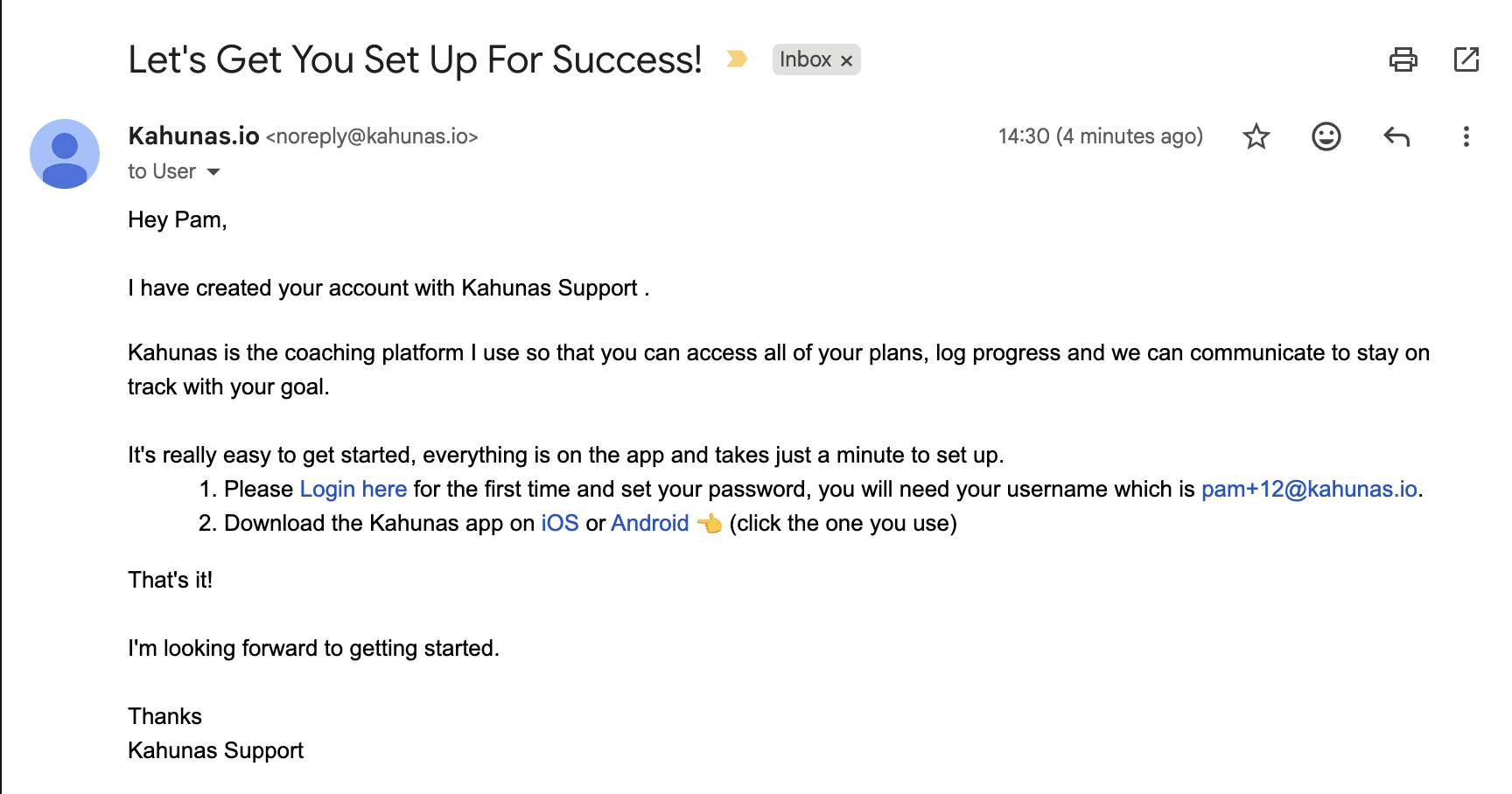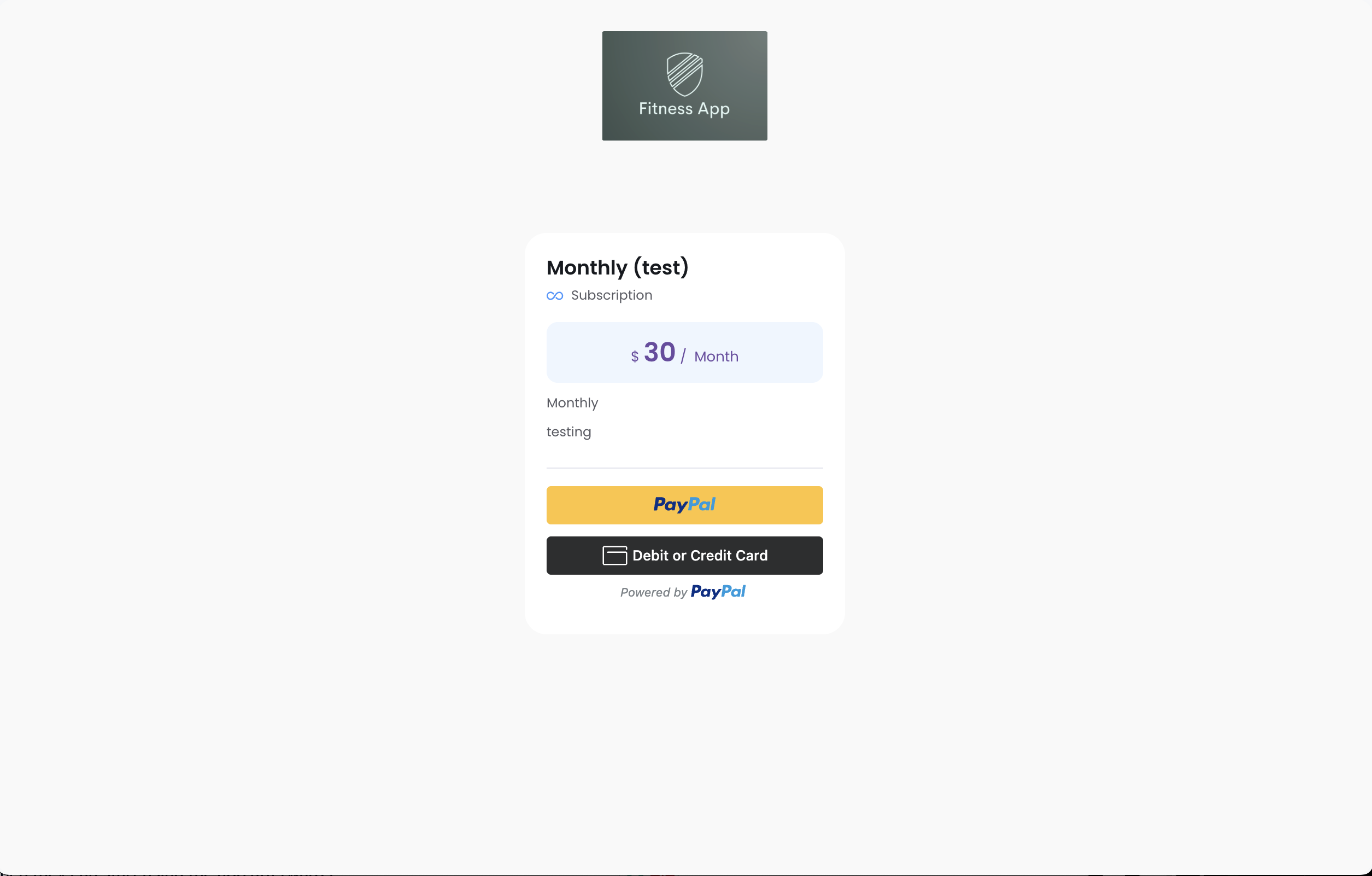
Here are two ways you can send payment links to your clients 😊
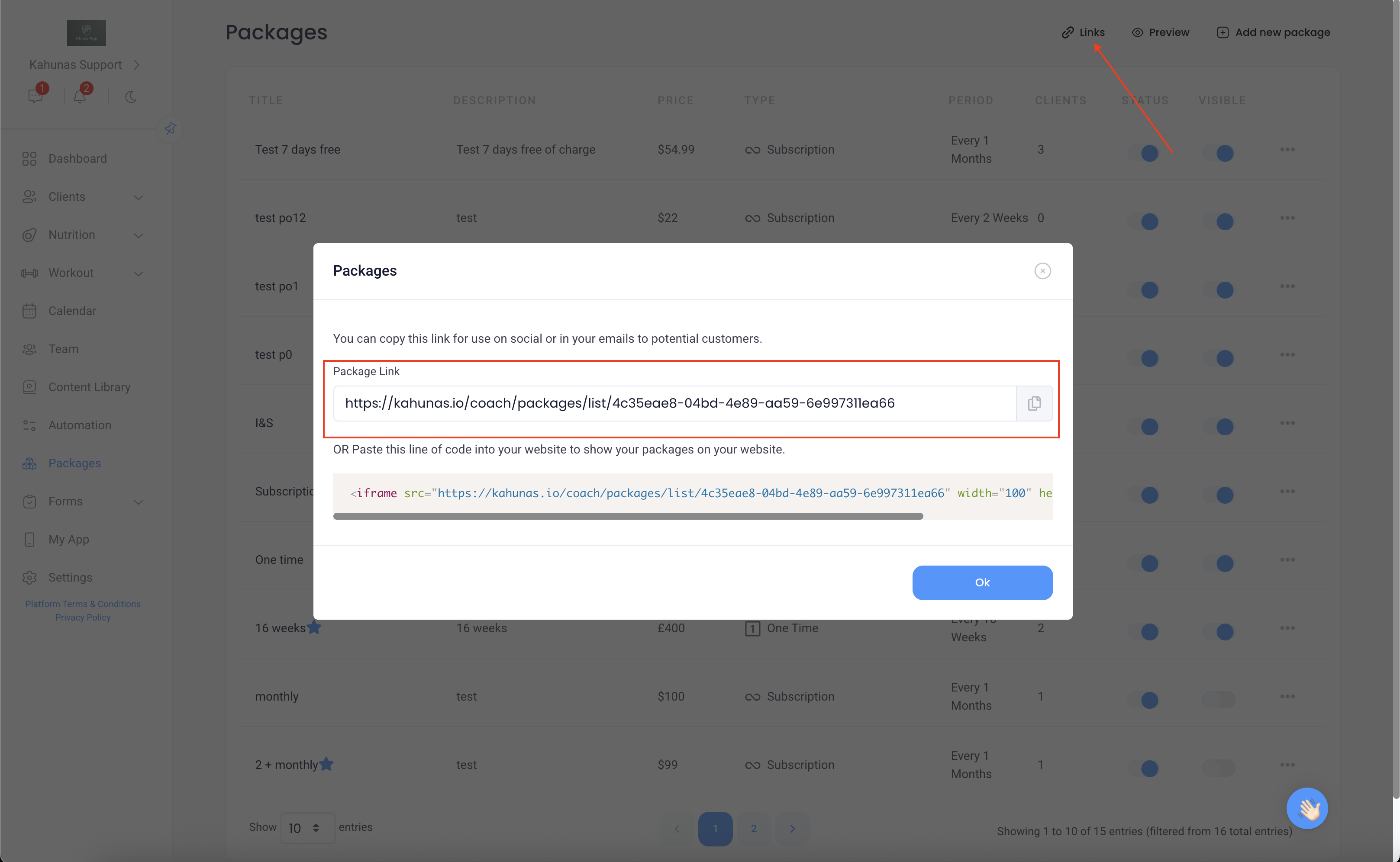
1. Share your package link
You can simply copy and paste your package link and send it to your client. Once they open it, they’ll see your full list of packages, choose the one they want, click “Purchase”, and then proceed to register and make the payment.
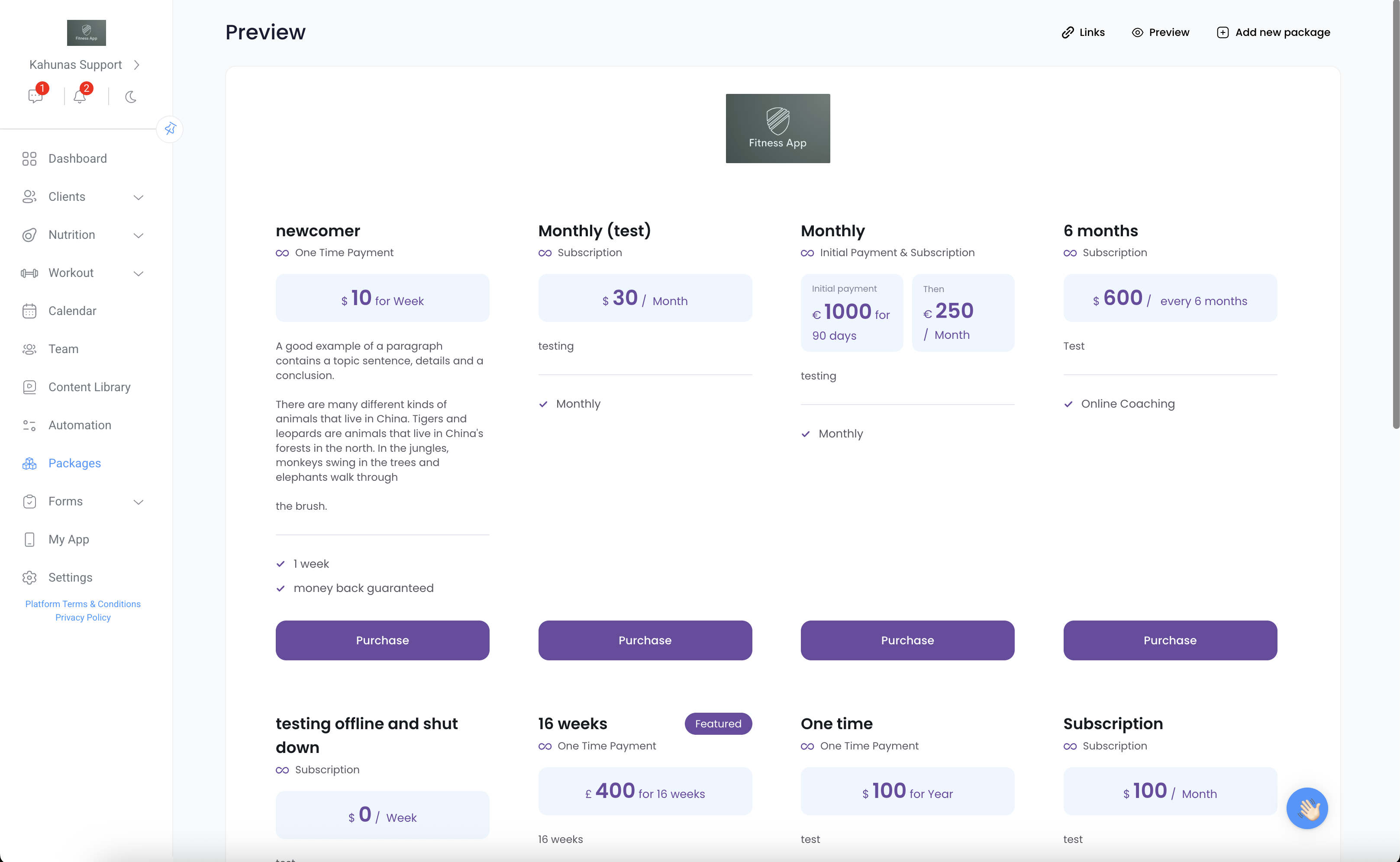
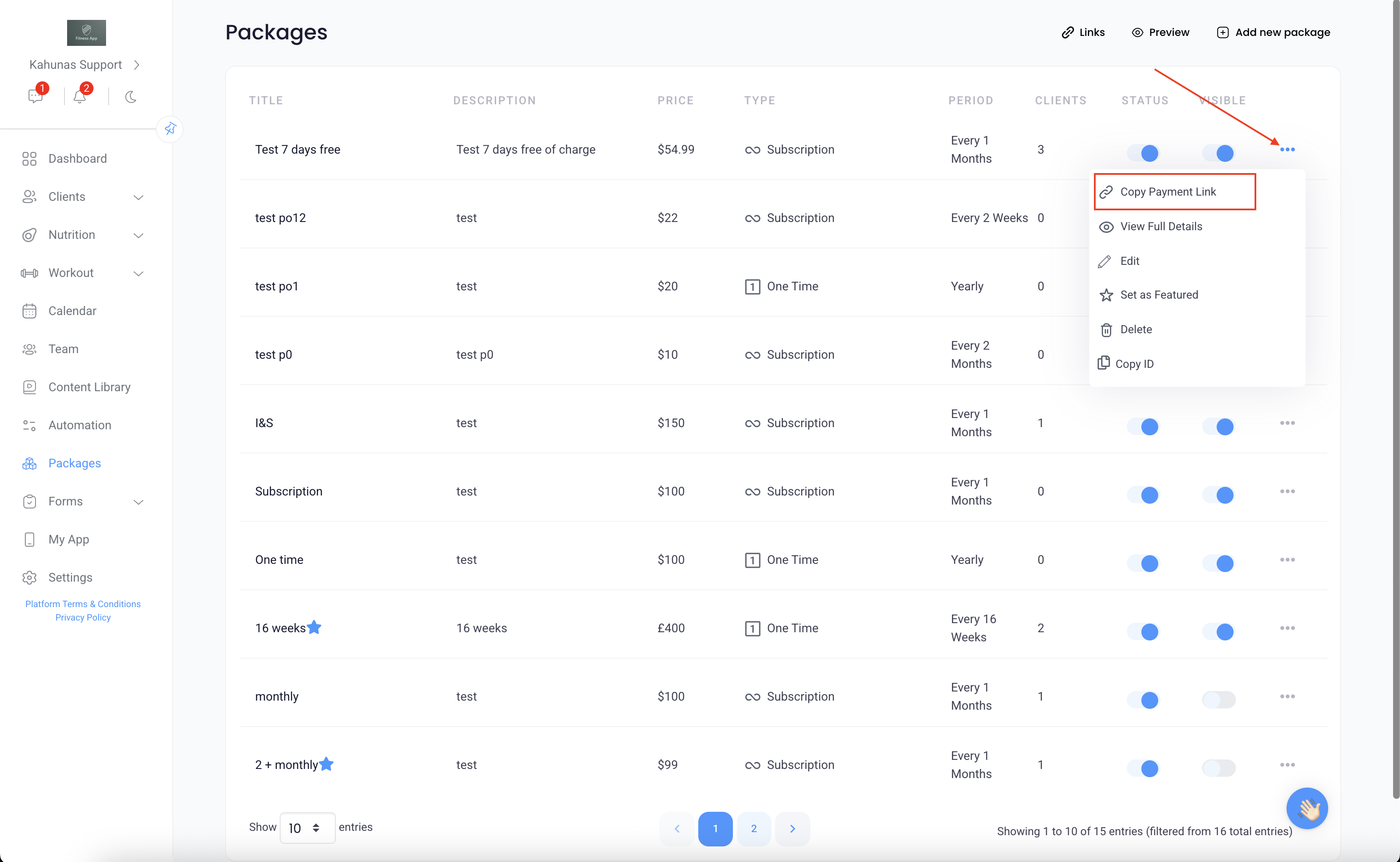
If you’d like them to sign up for a specific package, just click the three dots next to that package and select “Copy Payment Link.” When the client opens that link, they’ll be prompted to register and will be directed straight to that specific package for payment.
2. Add the client manually
When adding a client manually, make sure to select “Yes” under “Does this client need to pay?”
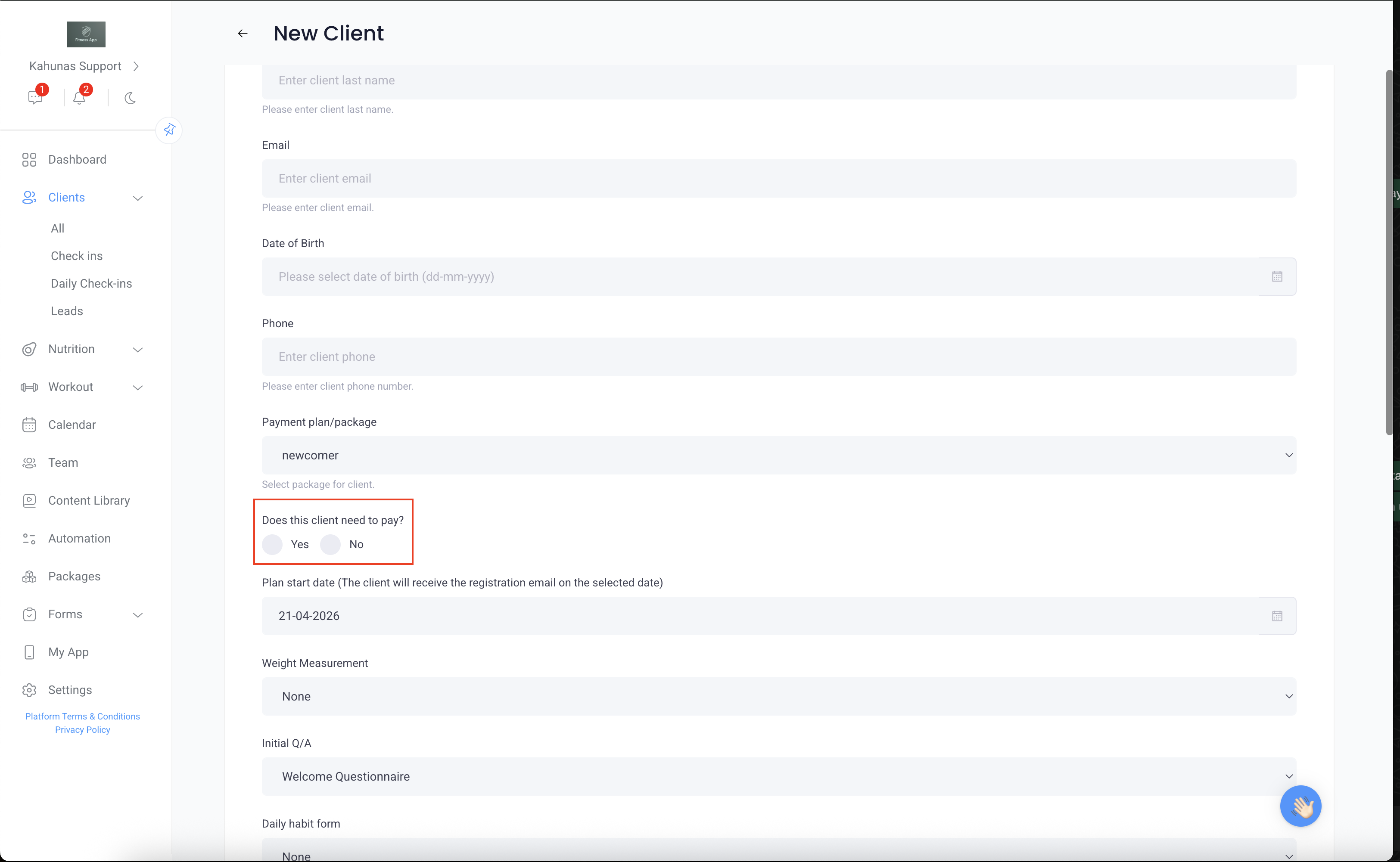
Once added, the client will receive a registration email. After signing up, they can log in via kahunas.io, where they’ll be prompted to complete the payment before accessing the app.